Practice for the Robert Half Excel test
Office and accounting Excel tasks in a simulated Excel window.
We are not affiliated with Robert Half. Our practice replicates the test's format, not its content.
Our mock
| Mock | Items | Type | Timer | Scoring |
|---|---|---|---|---|
| Office and accounting style | 25 | Hands-on tasks | None | Correct or incorrect per task |
What this test usually is
Robert Half is a staffing firm. Its UK site says it offers a candidate skills assessment tool covering areas such as spreadsheets (Excel), pivot tables, payroll, general accounting and data entry. Robert Half’s published pages do not say how many questions the Excel part has, whether it is timed, or whether it is hands-on, so we cannot tell you that. Ask your recruiter two things before you start: which level of test it is, and whether it is timed.
Candidates often report an Excel check of some kind before an assignment. The tasks you get will depend on the role: an admin role and an accounting role are unlikely to see the same work.
How to prepare
- Take the free sampler. Five tasks, about ten minutes, and you get a skill-by-skill breakdown.
- Shore up the basics first. Sorting, filtering, number formats and SUM/AVERAGE are useful at every level, and they are all in the free Excel from Zero track.
- For finance or analyst roles, spend your time on lookups (VLOOKUP, INDEX and MATCH, XLOOKUP) and conditional sums (SUMIFS, COUNTIFS).
- Take the full mock, then drill the areas the score report flags.
What our mock does and does not do
Our mock is our own format: 25 hands-on tasks in a grid that behaves like Windows Excel, set in office and accounting situations (invoices, payroll, expense reports, ledgers), checked automatically, with no time limit. The task count, hands-on style and untimed setting are our choices, not Robert Half’s. It does not contain any real test content, and it is not a Robert Half product. We last read Robert Half’s public pages on November 8, 2026. Pivot tables are named there but are not in our mock yet.
Skills to practice
- SUMIF Adds the amounts where a label matches, such as every invoice for one customer or every expense in one category.
- VLOOKUP Pulls a customer, employee or account name from a reference list by its ID. Use FALSE as the last argument for an exact match.
- IF Handles payroll-style rules, such as overtime pay above 40 hours.
- ROUND Rounds the stored value. A number format only changes how a figure looks, so a total of formatted but unrounded cents can differ by a cent from a total of rounded ones.
- SUM Totals a column. In a ledger, check the range reaches the last row after you add entries.
2 sample items with answers
1. Calculate gross pay for 44 hours at 20 an hour, with hours over 40 paid at 1.5 times.
| A | B | C | |
|---|---|---|---|
| 1 | Hours | Rate | |
| 2 | 44 | 20 | $920.00 |
The first 40 hours pay 800. The other 4 hours pay 4 times 20 times 1.5, which is 120. IF chooses the overtime branch because the hours are more than 40, and the total is 920.
2. Return the customer name for the invoice ID typed in E2.
| A | B | C | D | E | F | |
|---|---|---|---|---|---|---|
| 1 | ID | Customer | Look up | |||
| 2 | 101 | Kai Co | 102 | Mele Ltd | ||
| 3 | 102 | Mele Ltd | ||||
| 4 | 103 | Noa Inc |
VLOOKUP searches the IDs in A2:A4 for the value in E2, finds 102 in the second row, and returns the second column of the table, which is Mele Ltd. The FALSE at the end means an exact match only.
Free sampler
Five items in this format, scored like the full mock, with a skill-by-skill report at the end. No account needed.
Start the sampler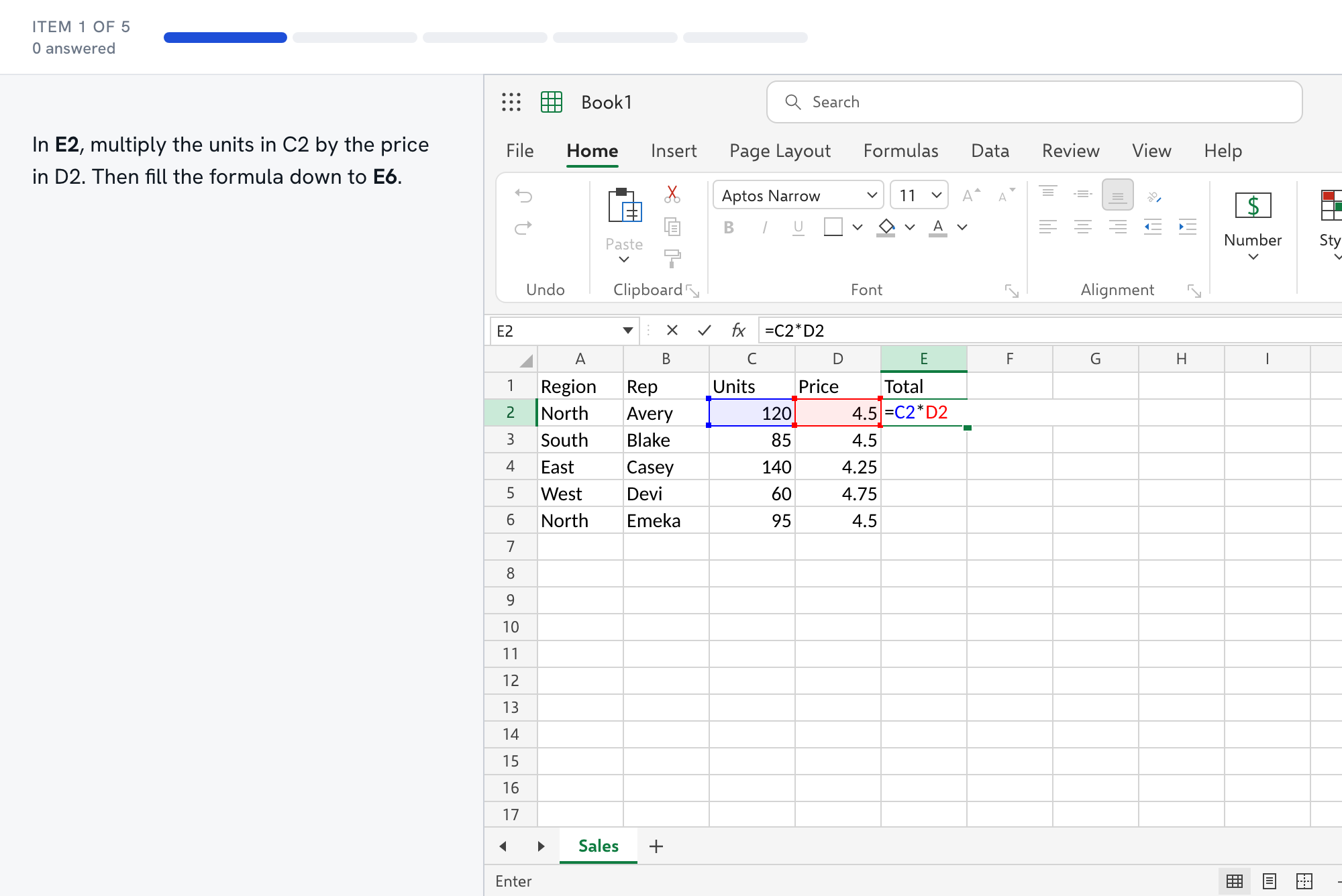
Questions about the Robert Half test
- Is the Robert Half Excel test hands-on?
- Robert Half's published pages do not say, and we do not want to guess. Its UK site describes a candidate skills assessment tool that covers spreadsheets (Excel), pivot tables, payroll, general accounting and data entry. Ask your recruiter which level it is and whether it is timed.
- Are pivot tables on it?
- Robert Half's UK page names pivot tables as an assessed area, but it does not say how deeply. Our mock does not include them yet, so practice them in Excel itself: select the data, choose Insert, then PivotTable, and drag a text field to Rows and a number field to Values.
- What should I practice for an accounting role compared with an admin role?
- For accounting, spend your time on SUMIF and SUMIFS, lookups, rounding and number formats. For admin work, the basics matter most: entering data cleanly, sorting, filtering, formatting, SUM and AVERAGE. The [accountants](/tests/excel-test-for-accountants/) and [administrative assistants](/tests/excel-test-for-administrative-assistants/) pages list the skills for each.
- Does rounding matter in payroll and invoice tasks?
- Yes. A format such as two decimals changes only the display. ROUND changes the stored value, and later totals use the stored value. If a task says to round to the cent before adding, use ROUND.
- How is your mock different from the real test?
- The task count, the hands-on style and the lack of a time limit are our choices, based on what Robert Half's pages say and do not say. Every task is our own and none comes from a Robert Half product.