Practice for the Criteria Excel test
No Criteria-style mock yet. Use the general employment mock and the function guides today.
We are not affiliated with Criteria. Our practice replicates the test's format, not its content.
Practice available today
What this test usually is
Criteria is a pre-employment testing company whose catalog includes software skills tests. We have not verified the format of its Excel test, including the item types, the number of items and the time limit. If the invitation does not say, ask whoever sent it.
What is available today
A Criteria-style mock is planned; there is no date yet. What you can use today:
- The general employment mock, which mixes hands-on tasks and multiple choice under a 30-minute clock and covers the skills most employer Excel tests share.
- The free sampler, which uses the general format.
- The function guides and how-to pages, each with practice you can try in the grid.
How to prepare
- Take the free sampler to see which skill areas pull your score down.
- Drill those areas with the matching lessons. The score report links straight to them.
- Practice reading formulas and predicting their results, and practice hands-on work in the grid. Both are useful whichever item types you get.
- Take the general employment mock as a dress rehearsal.
What this page does and does not claim
We have no Criteria-style mock, and nothing here is Criteria content or affiliated with Criteria. When one is built, its format will come from Criteria’s current public description, with the source and date recorded.
Skills to practice
- SUM Add a range, not a list of cells, and check that the range includes every row.
- MAX Returns the largest value in a range. MIN is its pair, and both ignore text.
- IF One test, two outcomes. Wrap a second IF in the false position for a third outcome.
- INDEX Returns the value at a position in a range. Combined with MATCH it can look left, which VLOOKUP cannot.
- MATCH Returns the position of a value in a list. With 0 as the last argument it requires an exact match.
- SUMIF Adds the amounts where a label matches. Keep the range to test and the range to add the same size and lined up row for row, because SUMIF gives no warning when they are offset.
- VLOOKUP Returns a value from a table by its key in the first column. Put FALSE last for an exact match, and remember the column number counts from the left edge of the table you selected.
3 sample items with answers
1. Find the highest sale in the list.
| A | B | C | D | |
|---|---|---|---|---|
| 1 | Rep | Sales | ||
| 2 | Ana | 150 | 240 | |
| 3 | Ben | 100 | ||
| 4 | Chloe | 240 | ||
| 5 | Dev | 75 |
MAX scans B2:B5 and returns the largest number, 240. It ignores the header text in B1 because the range starts at B2.
2. Return the rep who made the sale of 240, even though the names are to the left.
| A | B | C | D | |
|---|---|---|---|---|
| 1 | Rep | Sales | ||
| 2 | Ana | 150 | Chloe | |
| 3 | Ben | 100 | ||
| 4 | Chloe | 240 | ||
| 5 | Dev | 75 |
MATCH finds 240 in B2:B5 at position 3, and INDEX returns the third name in A2:A5, which is Chloe. VLOOKUP could not do this because the name column is left of the sales column.
3. Calculate 8.25% sales tax on 19.99 and round it to the cent.
| A | B | C | |
|---|---|---|---|
| 1 | Net | Rate | |
| 2 | 19.99 | 0.0825 | 1.65 |
19.99 times 0.0825 is 1.649175. ROUND with 2 decimals returns 1.65. A currency format would only display 1.65 and still store 1.649175, which later totals would pick up.
Free sampler
Five items in the general employment format, the closest we have today, with a skill-by-skill report at the end. No account needed.
Start the sampler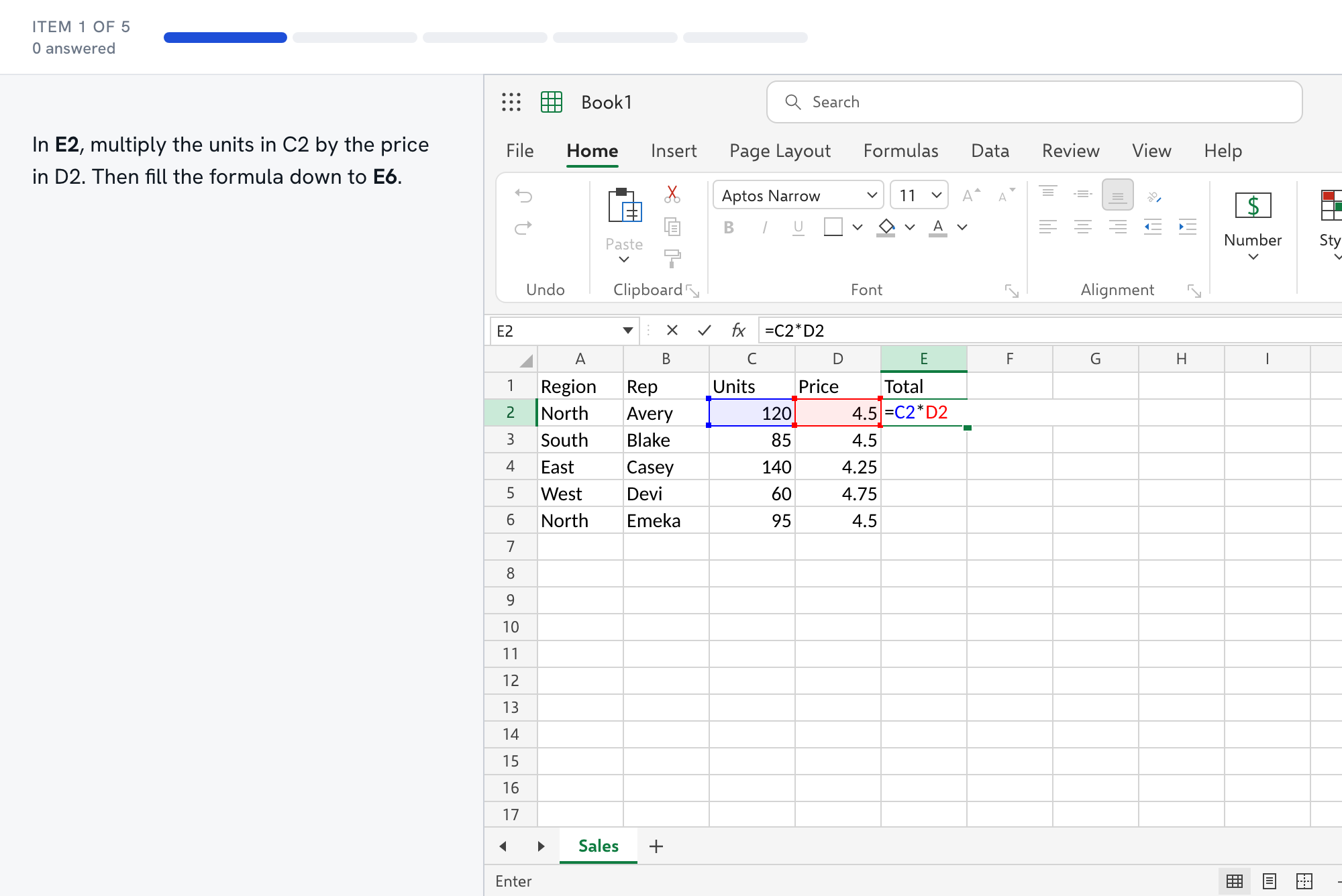
Questions about the Criteria test
- What is on the Criteria Excel test?
- We have not verified it. Criteria is a testing company whose catalog includes software skills tests, but we have not seen the item types, number of items or time limit for its Excel test. Ask whoever sent the invitation.
- Should I practice hands-on tasks or multiple choice?
- Both, until you know the format. Hands-on tasks build speed in the grid, and predicting a formula's result builds the understanding that multiple choice rewards. The general employment mock mixes the two.
- Which functions should I learn first?
- SUM, AVERAGE, MIN, MAX, IF, COUNTIF and SUMIF cover most basic and intermediate questions. After those, learn one lookup well, either VLOOKUP or the INDEX and MATCH pair shown above.
- Do you have a Criteria-style mock?
- Not yet. We build a mock only from a format's public description, with the source and date recorded. Until then the general employment mock and the free sampler are the closest we have.
- How should I use the sampler to find my gaps?
- Take it once without looking anything up. The report groups your results by skill, so a low score in one area tells you where to spend the next evening. Each missed item links to the lesson that covers it, and the function guides show the same formulas on a worked grid.