Practice for the MO-200 Excel test
No MO-200-style mock yet. Use the lessons, function guides and the general mock today.
We are not affiliated with MO-200. Our practice replicates the test's format, not its content.
Practice available today
What this test usually is
MO-200 is the exam for the Microsoft Office Specialist: Excel Associate certification. Unlike an employer screening test, it is a certification you choose to take. Read Microsoft’s official skills outline for the exam before you plan your practice; we have not mapped our lessons to it.
What is available today
An MO-200-style mock is planned; there is no date yet. What you can use today:
- The general employment mock, which mixes hands-on tasks and multiple choice under a 30-minute clock and covers the skills most employer Excel tests share.
- The free sampler, which uses the general format.
- The function guides and how-to pages, each with practice you can try in the grid.
How to prepare
- Read the official skills outline and mark the topics you cannot do yet.
- Work through Excel from Zero and Everyday Excel; between them they cover much of the basic and intermediate ground.
- Charts and some workbook features need simulator support that is still being built; until then, practice those parts in Excel itself.
- Use the free sampler and the general employment mock to check your speed on core skills.
What this page does and does not claim
We have no MO-200-style mock. This is not an official practice test, it contains no exam content, and we are not affiliated with Microsoft. When one is built, its format will come from the exam’s current public description, with the source and date recorded.
Skills to practice
- SUM Part of the formulas and functions domain. Know SUM, AVERAGE, MIN, MAX and COUNT on ranges.
- COUNTA Counts non-empty cells, including text, while COUNT counts only numbers. The difference decides which one fits a column of names.
- IF Logical tests belong to the formulas and functions domain. Practice IF with AND and OR.
- TEXT Formats a value as text in a formula, for example showing a date as mmm yyyy. The result is text, not a number.
- SUMIF Conditional totals appear in the same domain as SUM and COUNTIF.
2 sample items with answers
1. Count how many names have been entered in column A.
| A | B | C | |
|---|---|---|---|
| 1 | Name | ||
| 2 | Ana | 4 | |
| 3 | |||
| 4 | Ben | ||
| 5 | Chloe | ||
| 6 | |||
| 7 | Dev |
COUNTA counts every cell in A2:A7 that is not empty. Four of the six cells hold a name, so the result is 4. COUNT would return 0 here because it counts only numbers.
2. Show the date in B2 as the month and year, such as Mar 2026.
| A | B | C | |
|---|---|---|---|
| 1 | Invoice | Date | |
| 2 | A-100 | 3/15/2026 | Mar 2026 |
TEXT applies the format code mmm yyyy to the date and returns text. The date in B2 is March 15, 2026, so the result is Mar 2026. Because it is text, it cannot be used in date arithmetic.
Free sampler
Five items in the general employment format, the closest we have today, with a skill-by-skill report at the end. No account needed.
Start the sampler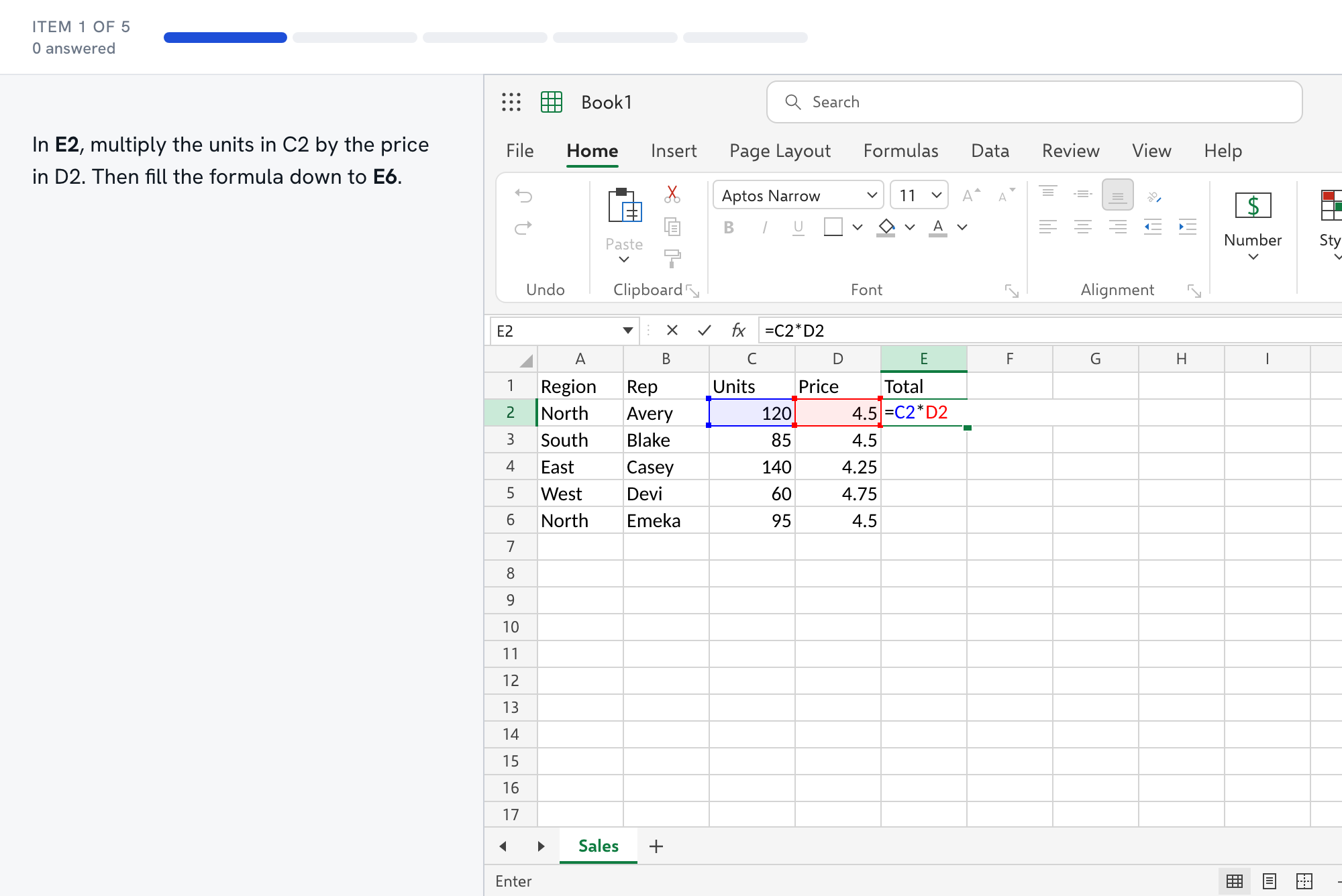
Questions about the MO-200 test
- What does MO-200 measure?
- Microsoft's exam page lists five areas with these weights: manage worksheets and workbooks (10-15%), manage data cells and ranges (20-25%), manage tables and table data (15-20%), perform operations by using formulas and functions (20-25%), and manage charts (20-25%). The page is titled Microsoft Excel (Office 2019), so check Microsoft's current page for the version you will be tested on.
- How long is the exam and how many questions?
- Microsoft's exam page does not state a time limit or question count where we looked, so we will not quote one. Check when you schedule the exam, and read Microsoft's exam policies page.
- How much of MO-200 can I practice here?
- The formulas and functions area fits our lessons best, and the data cells and ranges area partly. Charts are one fifth of the exam by weight, and we have no chart practice yet, so practice charts in Excel itself. We have not mapped our lessons to Microsoft's outline, so use the outline as your checklist.
- Is MO-200 like an employer's Excel test?
- Not quite. It is a certification you choose to take and prepare for, and its skills outline is public. Employer tests are chosen by the employer and rarely published. A candidate who has passed MO-200 has shown a broad base, but an employer test may stress speed or a narrower set of skills.
- How should I use Microsoft's skills outline?
- Download it from the exam page and rate each objective as can do, shaky or cannot do. Start with the shaky and cannot-do items in the heavier areas. Formulas and functions, data cells and ranges, and charts each carry 20-25% of the weight, so a gap in one of them costs more than a gap in workbook management.